Still images in. Video out.
No shooting, no editing — upload reference images, write a sentence, and AI generates the video. Product demos, short videos, ad concepts, all covered.
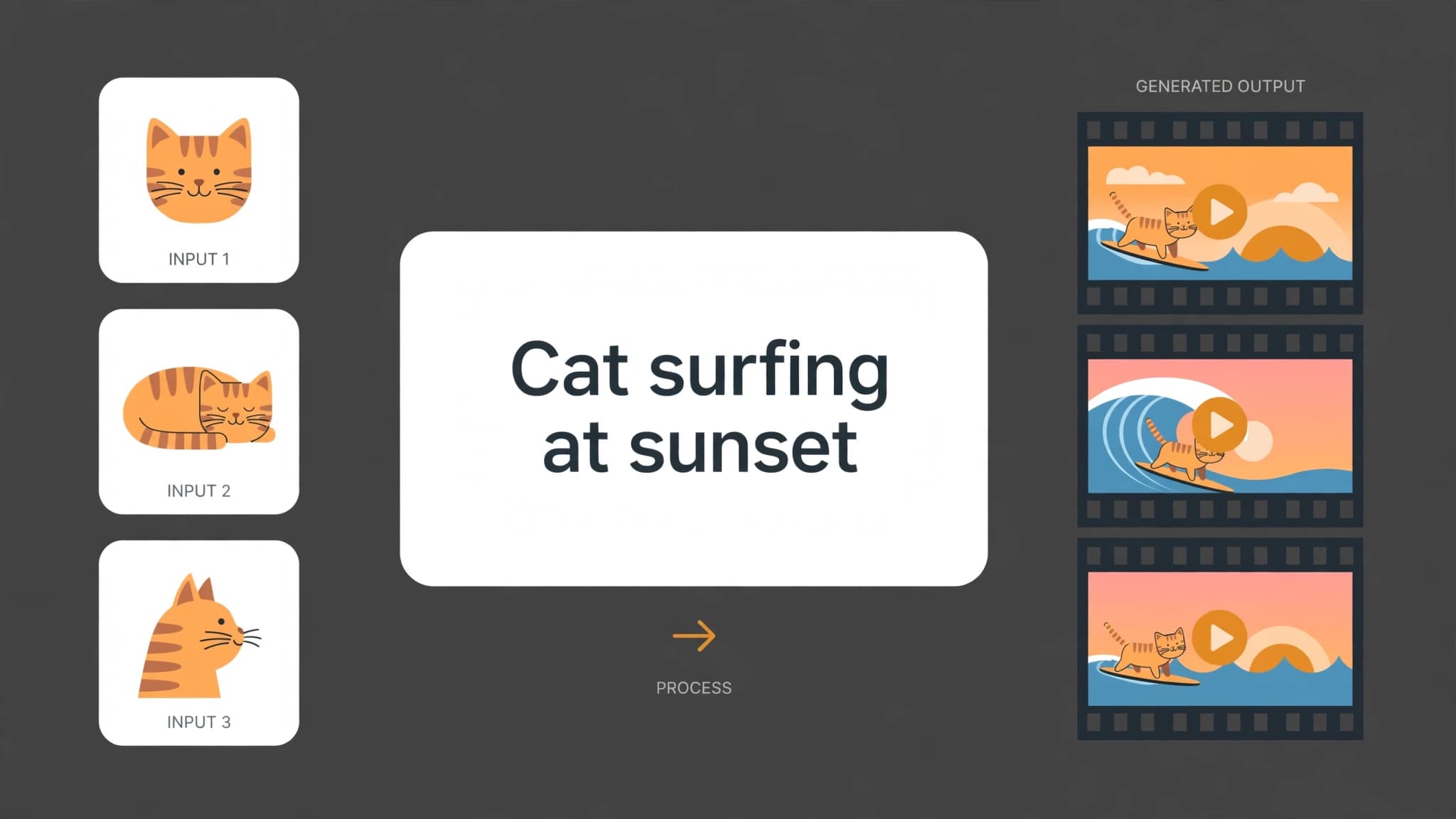
See it in one glance: before & after
AI-generated examples below: original on the left, AI result on the right.
Image to Video — where it shines
See how others get more done with it — you could be next.
E-commerce Showcases
Product photos start moving — rotations, unboxings, and scene clips ready for product pages and social posts.
Short-Video Hooks
Turn photos into motion openers that hold viewers in the first seconds.
Drama & Story Previews
Storyboard first: turn a script line into a watchable clip and check the look before shooting.
Brand & Ad Concepts
Concept films and campaign teasers — validate a creative idea without waiting for a production slot.
Get it done in 3 steps: Image to Video
No tutorial needed — three clicks is all it takes.
Upload reference images
1 to 5 JPG / PNG / WebP images, up to 10MB each.
Write a prompt, pick settings
Describe the motion and camera in one sentence, then pick resolution, aspect ratio, and length.
Generate & download
Preview the video when AI finishes, then download it with one click.
Why choose SheenCloud
Images lock the subject
1 to 5 reference images keep the person, style, and setting on-model.
Text directs the motion
One sentence for the action, camera move, and mood — the video moves as you describe.
Four resolutions
480p, 540p, 720p, 1080p to choose from, billed per second, clearly priced.
About AI Image to Video
Have a set of photos you want to bring to life? SheenCloud's AI Image to Video takes your reference images plus one sentence describing the motion and camera move, and generates a video that follows your images — subject, style, and setting stay true to the photos.
Product demos, short-video hooks, ad concepts, story previews… the images lock the subject and style, the text locks the motion and camera. New users get free signup credits — generate a few clips first and feel how it works.
Image to Video FAQ
New users get free signup credits, enough for a few clips. After that, credits are billed per second — the create page shows the exact amount for your chosen resolution and length.
Turn your next photos into video
Signup credits are free — generate a few clips first and feel how AI shoots from your images.
New users get 1,000 free credits on sign-up
No download · Works right in your browser · Start free